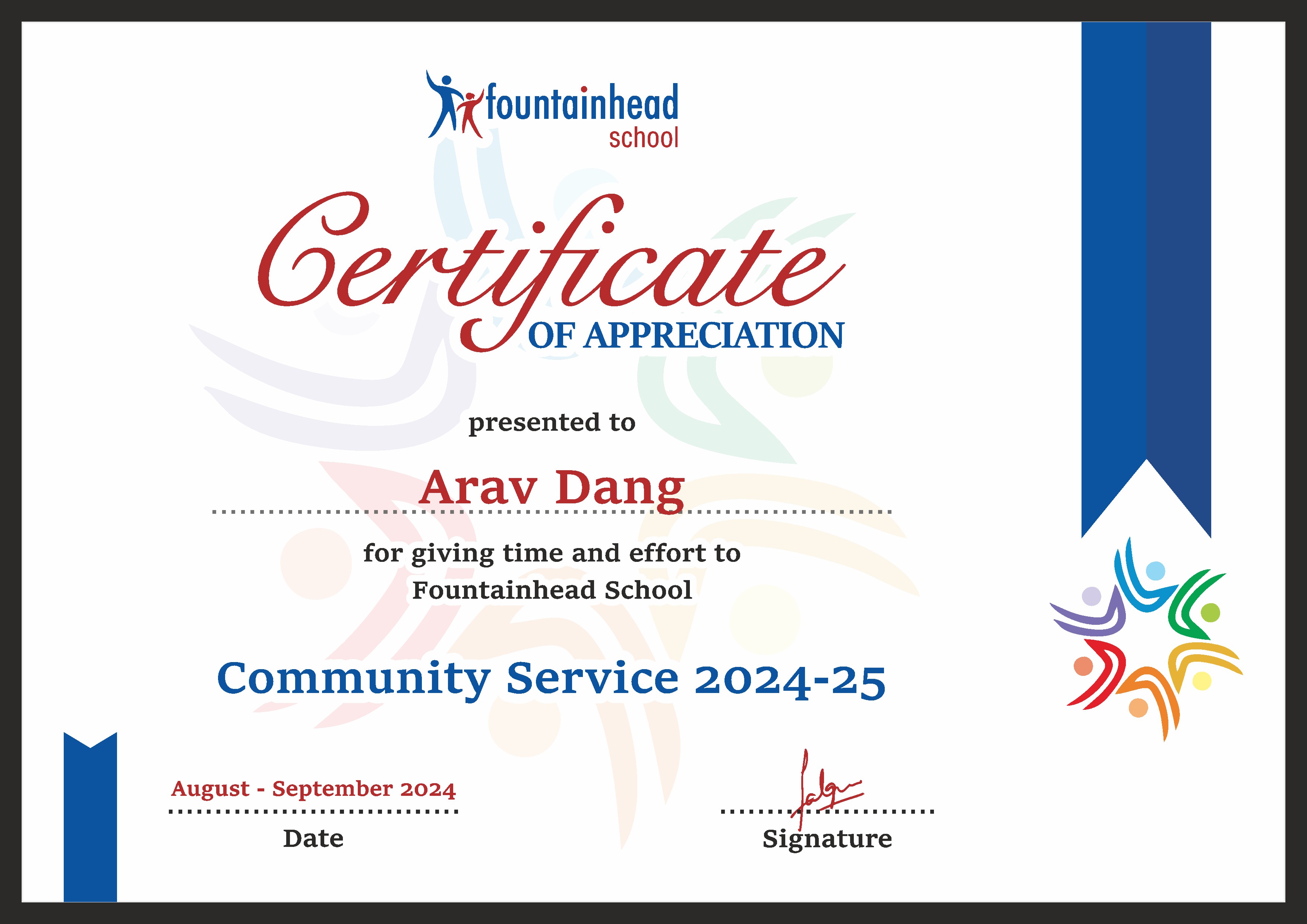
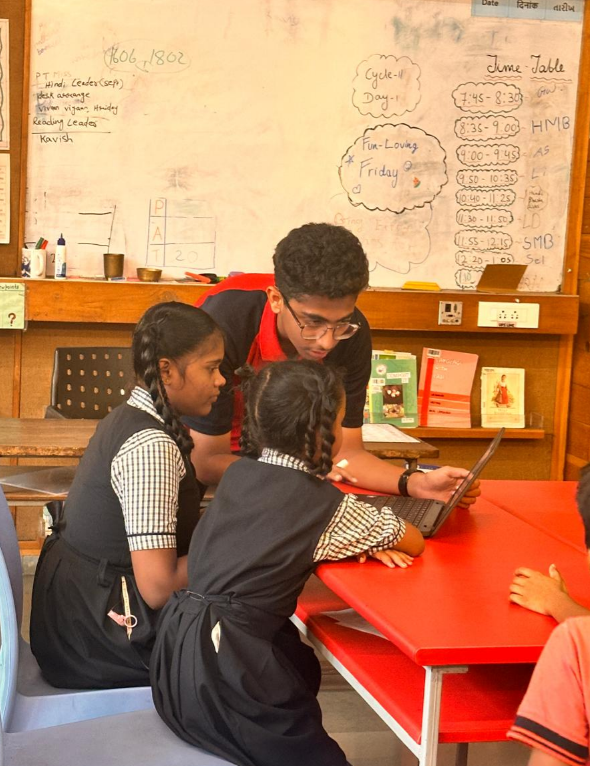
As part of my community service, I took on the role of IT leader, where I, along with my team, conducted sessions to teach children how to use Chromebooks. We focused on essential digital skills such as typing, using Google applications (Docs, Sheets, Slides), and basic internet navigation. This initiative aimed to equip students with fundamental technological knowledge, helping them bridge the digital divide and become more comfortable with modern technology.
LO3: Demonstrate how to initiate and plan a CAS experience.
For over a month, I worked on cultivating a structured plan to ensure the sessions were engaging and productive. Since many of the children had little to no prior experience with Chromebooks, we had to break down complex topics into simple lessons. This involved scheduling sessions, preparing materials, and dividing tasks among the team. Organizing this initiative taught me the importance of planning, adaptability, and leadership, as I had to manage both the curriculum and the logistics of running a smooth session.
LO4: Show commitment to and perseverance in CAS experiences.
Teaching a skill from scratch requires patience and determination. Many children initially struggled with typing and navigating the Chromebook interface, so we had to constantly teach the concepts, repeat instructions, and provide individual attention. Despite the challenges, I stayed committed to ensuring every student made progress. Watching them gain confidence in using technology made all the effort worth it. This experience reinforced my belief that consistency and perseverance are key to making a lasting impact.
LO5: Demonstrate the skills and recognize the benefits of working collaboratively.
As the IT leader for this initiative, I worked alongside my peers to create a structured approach to teaching children how to use Chromebooks, type efficiently, and navigate Google Apps. While I had specific responsibilities, collaboration was essential to ensure a smooth learning experience for the students. We divided tasks effectively some of us demonstrated functions step by step, while others assisted students individually. This teamwork allowed us to address challenges as they came and make the sessions more interactive and engaging. Without a collaborative effort, managing a large group of students with different learning paces would have been difficult.
LO6: Demonstrate engagement with issues of global significance.
In today’s digital age, access to technology and digital literacy are essential skills. However, many children, especially from underprivileged backgrounds, do not have the same exposure to technology as others. By teaching them how to use Chromebooks and Google tools, we contributed to reducing the digital divide a global issue that affects education and employment opportunities. This experience made me more aware of the privileges I have and the responsibility to use my skills to help others.
LO7: Recognize and consider the ethics of choices and actions.
Teaching young students about technology came with an ethical responsibility to ensure they understood safe and responsible usage. Since many of them were new to Chromebooks and Google Apps, we had to be mindful of what information we shared and how we guided them. We emphasized the importance of digital safety, such as protecting personal data and avoiding misinformation online. Additionally, we had to be patient and encouraging, as some students took longer to grasp certain concepts. This experience reinforced my understanding of how education, especially in technology.
This community service initiative was more than just teaching it was about empowering students with the skills they need for the future. It required planning, patience, and commitment, and it gave me a deeper appreciation for the role of technology in education. Seeing the students enthusiasm grow as they became more confident in using Chromebooks was incredibly rewarding for me, and it motivated me to continue seeking ways to contribute meaningfully to society.